Blog · Managing your diary
Moving from a Paper Diary to an Online Booking System: A Practical Guide
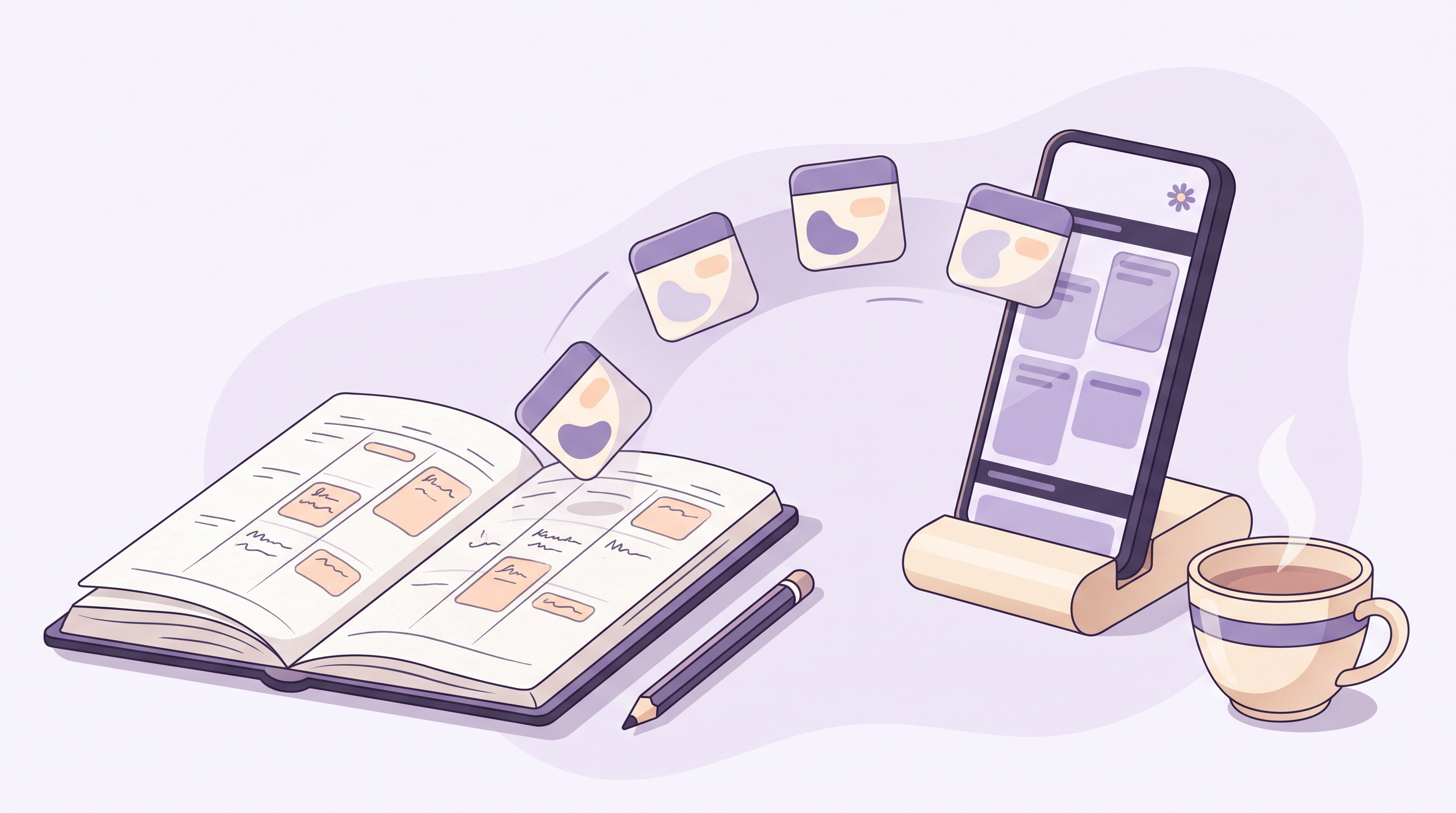
A tutor finishes her last lesson at seven in the evening, and by the time the kettle has boiled, two parents have already booked next week's sessions themselves — no phone calls, no text tennis, no scribbling in the margins of a battered A4 diary. That is the practical case for moving from a paper appointment book to an online booking system. The move itself is far smaller than most owners expect: pick a slower week, set up your services and working hours, copy your future appointments across, run the paper diary alongside as a safety net for a fortnight, then tell your clients. This guide walks through each of those steps, whether you run a tutoring business, a physiotherapy clinic, a barbershop, a counselling practice or a dental surgery.
What an online diary actually does for you
A paper diary does one job well: it records appointments, as long as you are the one holding the pen. An online booking system does that job and then keeps working after you have gone home. The practical gains are concrete:
- Clients book themselves, whenever it suits them. Evenings and Sunday mornings are when many people finally sit down to sort out their week. An online diary is open for business at those moments; a phone line is not.
- Reminders send themselves. A confirmation when the booking is made and a reminder before the appointment go out automatically, which is the single most effective habit for keeping your diary honest.
- Your diary is backed up. A paper book can be left on a train or soaked by a water bottle. An online diary is on your phone, your laptop and the front-desk computer at once, and losing one device loses nothing.
- Everyone sees the same truth. If you have an assistant or an associate, there is one diary rather than several competing versions of it.
- Deposits and payments can be attached to the booking. Taking a card at the moment of booking is something paper simply cannot do.
How to make the switch in five steps
Step 1: Pick your moment
Choose a slower week — the lull after a school term ends, the flat patch in January, whatever your calendar's gentle season is. You want a few unhurried evenings, not an all-nighter before your busiest Saturday. Most sole traders find the whole setup fits into two or three sessions of an hour each.
Step 2: Write down your services, durations and prices
Before you touch any software, sit with the paper diary and list what you actually sell: every lesson type, treatment, consultation or cut, with its real-world duration and price. Be honest about time. If a “30-minute” physio follow-up always takes 40 minutes once notes are written, set it up as 40 minutes, or build in a buffer. The diary that books itself needs accurate timings far more than the one you control by hand, because clients will happily book back-to-back slots you would never have offered over the phone.
Step 3: Set your hours, gaps and rules
Now teach the system how you like to work: your working days and hours, lunch breaks, travel time between home visits if you make them, and how far ahead people may book. This is also the moment to write down the policies that lived in your head — how much notice you need for a cancellation, whether new clients pay a deposit, how many bookings one person can hold at once. Good booking software turns each of these from an awkward conversation into a setting. Appoint Me, a booking system launching soon, is being built around exactly this idea: the rules you already run your business by, applied consistently without you having to police them.
Step 4: Move your future appointments across
You do not need to type in years of history. Copy across only what is still to come: every appointment from today forward, with the client's name and mobile number. For a typical diary this is an evening's work with a cup of tea and some music on. It is also a surprisingly useful audit — owners regularly find double-booked slots, faded pencil marks nobody can read, and regulars whose contact details were never written down anywhere at all.
Step 5: Run both diaries for a fortnight
For the first two weeks, keep the paper book on the desk and mirror every booking into both. This is your safety net, and it does two jobs: it proves to you that the online diary is complete, and it builds the new habit of checking the screen first. The important decision to make on day one is which diary is the master. Make it the online one. When the two disagree, the screen wins, and every phone booking gets typed in the moment the call ends. After a fortnight of perfect agreement, the paper book goes in a drawer — most owners never open it again.
What to copy across, at a glance
| From the paper world | Where it goes |
|---|---|
| Future appointments | Straight into the new calendar, from today forward |
| Client names and mobile numbers | The client list, so reminders and confirmations can reach them |
| Services, durations and prices | Your service menu, with honest timings |
| Working hours and breaks | Your availability settings |
| Cancellation and deposit rules | Booking policies the system applies for you |
| Old completed appointments | Nowhere — leave history in the book |
Bringing your clients with you
Clients follow the path you lay for them. Put the booking link everywhere a client already looks: your Instagram bio, your Google Business Profile, your email signature, a small card at the front desk, and the confirmation texts themselves. When someone rings to book — and some always will — take the booking warmly over the phone, type it in while you talk, and mention that next time they can grab a slot themselves at eleven at night if they fancy. The phone remains a perfectly good way to book; it simply stops being the only way.
Give particular care to clients who are less comfortable online. An eighty-year-old who has seen the same chiropodist for a decade should never feel locked out. For them, nothing changes: they ring, you book it, and the system sends a text reminder they will genuinely appreciate. An online diary should widen the ways into your business, not narrow them.
Keep the parts of paper you love
Plenty of owners like the ritual of paper — the morning glance at the day's page, a pencilled note next to a name. You can keep the ritual and lose the risk: print or jot the day's list each morning if it helps you think, and keep personal notes about each client in the notes field where they are searchable and safe. The point of the switch is not to abandon habits that work for you; it is to stop your whole livelihood depending on one physical book.
Common worries, answered
“What if the internet goes down?” Your diary lives on your phone as well as your computer, so a broadband wobble does not take it away — mobile data covers the gap, and a morning day-sheet covers even that.
“Will I lose the personal touch?” The opposite, in practice. When the admin of booking, reminding and rearranging runs itself, the time you spend with each client is spent on them, and the notes you keep mean you greet them remembering last visit's conversation.
“Is it a big commitment?” The genuine commitment is the two or three hours of setup and a fortnight of running both diaries. After that, the system earns its keep every evening you do not spend on the phone.
The paper diary served appointment businesses well for a century, and it deserves a dignified retirement rather than a dramatic one. Set up in a slow week, copy forward only what matters, run both books briefly, and let your clients discover how pleasant it is to book you at a time that suits them. When Appoint Me launches, it will be aimed at precisely this moment — the tutor, therapist, clinic or barber ready to give the diary a better home.
Run a salon, spa, clinic or practice?
Appoint Me is the feel good booking system — launching soon for every appointment business. Be first to know.
Register your interest