Blog · Choosing software
What is a booking system? A plain-English guide for small businesses
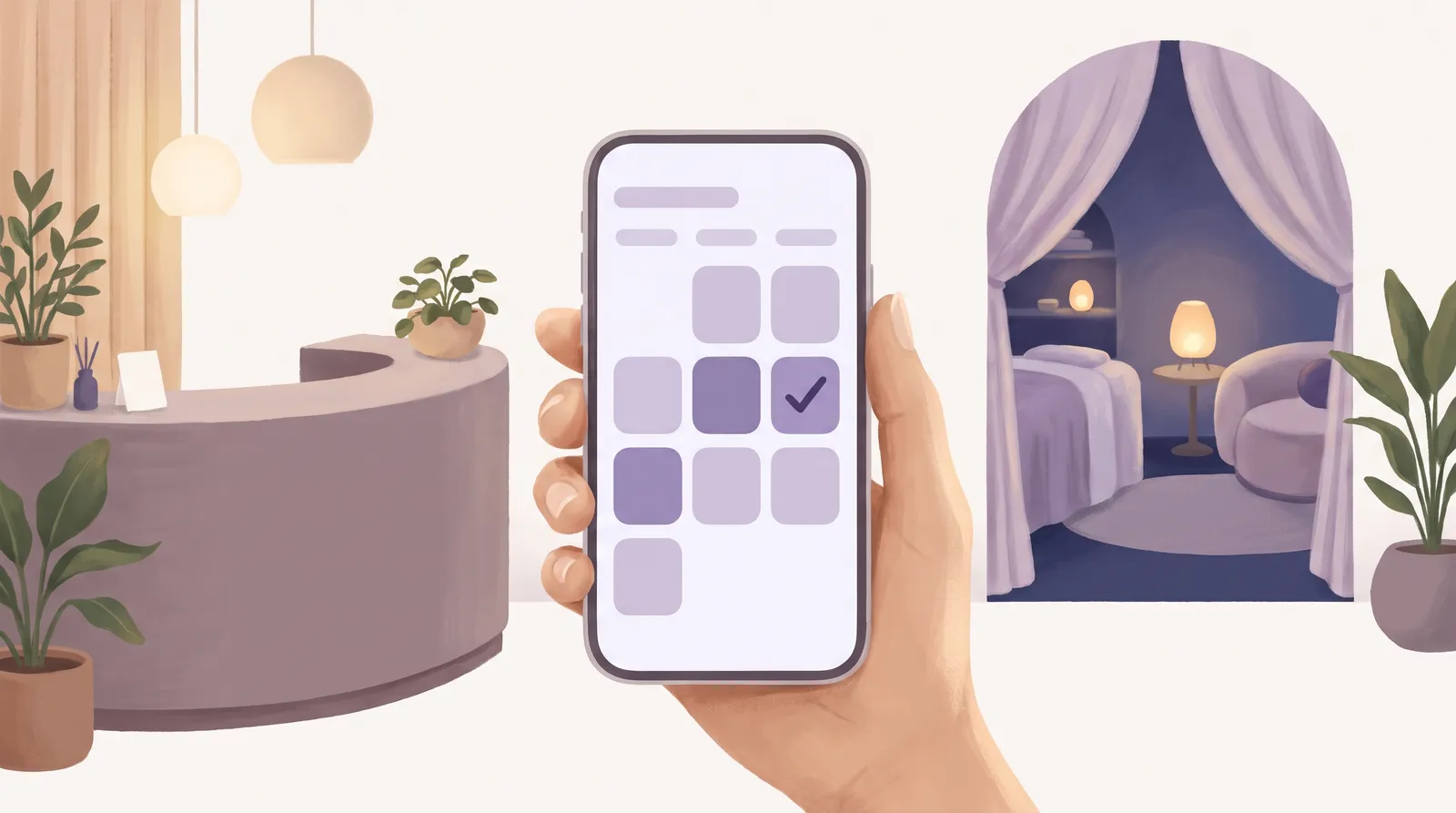
A booking system is software that lets your clients book an appointment with you online, at any time, without phoning or messaging. It shows them the times you're really free, takes the booking, puts it straight in your diary and reminds them before they're due. In plain English, it does the job of a receptionist who never goes home, which is why so many small businesses that take appointments now use one.
If you take appointments (a clinic, a physio, a therapist, a tutor, a personal trainer, a dog groomer, a salon), a booking system takes over the back-and-forth of "are you free Tuesday?" so you can get on with the work.
What does a booking system do?
At its simplest, a booking system does four jobs:
- Shows your availability. Clients see only the times you, or the right person on your team, can actually take them, with the right length for each service.
- Takes the booking. The client picks a service and a time and leaves their details. No call, no waiting for a reply.
- Keeps your diary up to date. Every booking, change and cancellation lands in one shared diary, so the whole team sees the same day.
- Reminds people. Automatic reminders by email or text mean fewer people forget and fewer empty slots.
Most good booking systems also let clients move or cancel within the rules you set, take a deposit when they book, keep a waitlist for busy days and set up repeat appointments for regulars.
Why do businesses move to a booking system?
- Bookings come in while you're busy or closed. Lots of people book late in the evening. A booking page never misses the call.
- Fewer no-shows. Reminders and deposits make a real difference to the gaps in your week.
- Less admin. No copying bookings from messages into a paper diary, and no double bookings.
- A clearer picture. You see who's coming, who's working and what's free at a glance.
What should you look for in a booking system?
- Easy for your clients. Booking should take a minute or two on a phone.
- Your own booking page. Clients book with you, not through a marketplace that shows them other businesses.
- Deposits paid to you. Money from deposits and payments should go straight into your own account.
- Works with the calendar you already use. If you keep a personal calendar, your busy times there should block your booking page.
- Your data stays yours. You should be able to export your client list whenever you like.
- A price that won't punish you for growing. Watch out for per-staff fees and commission on each booking; they get expensive as you get busier.
What does a booking system cost?
Prices are usually set one of three ways: per person on your team, per booking (commission), or one flat price for the business. Per-person and per-booking pricing look cheap at first and rise as you grow. A flat price stays the same whether you have one person or twenty.
We wrote a longer guide with worked examples: What booking software really costs.
How the Appoint Me booking system works
Appoint Me is a booking system for any business that takes appointments. It costs one flat £50 a month per business (£40 for each extra location), with unlimited staff and bookings and 0% commission. Deposits go straight into your own Stripe account, reminders go out automatically, busy times in your Google Calendar block your booking page, and every feature is included. It works worldwide, in 19 languages and 17 currencies.
We set our price knowing what it really costs to run, so the price you join on is the one we mean to keep.
While the founding places last, your first 6 months are £5 in total, with every feature included, and you can cancel any month.
Frequently asked questions
Is a booking system the same as booking software?
Yes. People say booking system, booking software, appointment software and online booking for the same thing: software that shows clients when you are free, takes their booking and keeps your diary up to date. Some tools only add a booking button to a website. A full booking system also runs your diary, your team's working hours, reminders, deposits and client records in one place, so you are not copying details between two or three apps.
Do my clients need to download an app to book?
No. A good booking system gives you your own booking page that opens in any web browser, on a phone, tablet or computer. You share the link on your website, your social profiles, your Google listing or in a message, and clients book straight from it. An app can be handy for regulars, but nobody should have to install one just to book their first appointment with you.
Can a booking system take deposits?
Most can, and it is one of the best ways to cut no-shows. The client pays a deposit, or the full price, when they book, and the booking is only confirmed once it is paid. Check where the money goes. With Appoint Me, deposits are paid into your own Stripe account, so the money is yours from the moment the client pays, not held by the booking company and paid out later.
Will a booking system work with my Google Calendar?
It should. If you keep personal plans in Google Calendar, such as the school run or a dentist appointment, those busy times should block the same times on your booking page, so clients can never book you when you are not there. With Appoint Me you connect your Google Calendar once, and your busy times there stop clients booking those slots. The details of your own events stay private.
Is a booking system worth it if I work on my own?
Often it matters most when you work alone. When you are with a client you cannot answer the phone, so every call or message during an appointment is a booking you may lose. A booking page takes those bookings for you, including late at night when many people book. Automatic reminders also mean fewer empty slots, and for a one-person business a single no-show a week adds up quickly over a year.
How long does it take to set up a booking system?
Less time than most people expect. You add the services you offer with their length and price, set your opening hours, add the people who take bookings and choose your rules for deposits and cancellations. Then you share your booking link. You can start with a few services and add the rest later. Your existing clients can carry on booking the way they always have while you move them over.
Related reading
What booking software really costs: per person, per booking or per location
Per person, per booking or per location: how booking software charges, worked example sums, and what to add up before you choose a system.
28 October 2026
Fresha vs Treatwell (2026): fees, commission and the small print compared for UK salons
Fresha vs Treatwell for UK salons, checked October 2026: subscriptions, the 20% and 35% new-client commissions, card fees, notice periods and data export.
29 September 2026
What to look for in booking software: a checklist for any appointment-based business
The features that matter when choosing appointment booking software: online booking, deposits, reminders, staff diaries, waitlists and reporting.
3 September 2026Run a clinic, practice, studio or salon?
Appoint Me is the feel good booking system for every appointment business.
See what Appoint Me does