Blog · Online booking
How long should an online booking take? A 30-second walkthrough
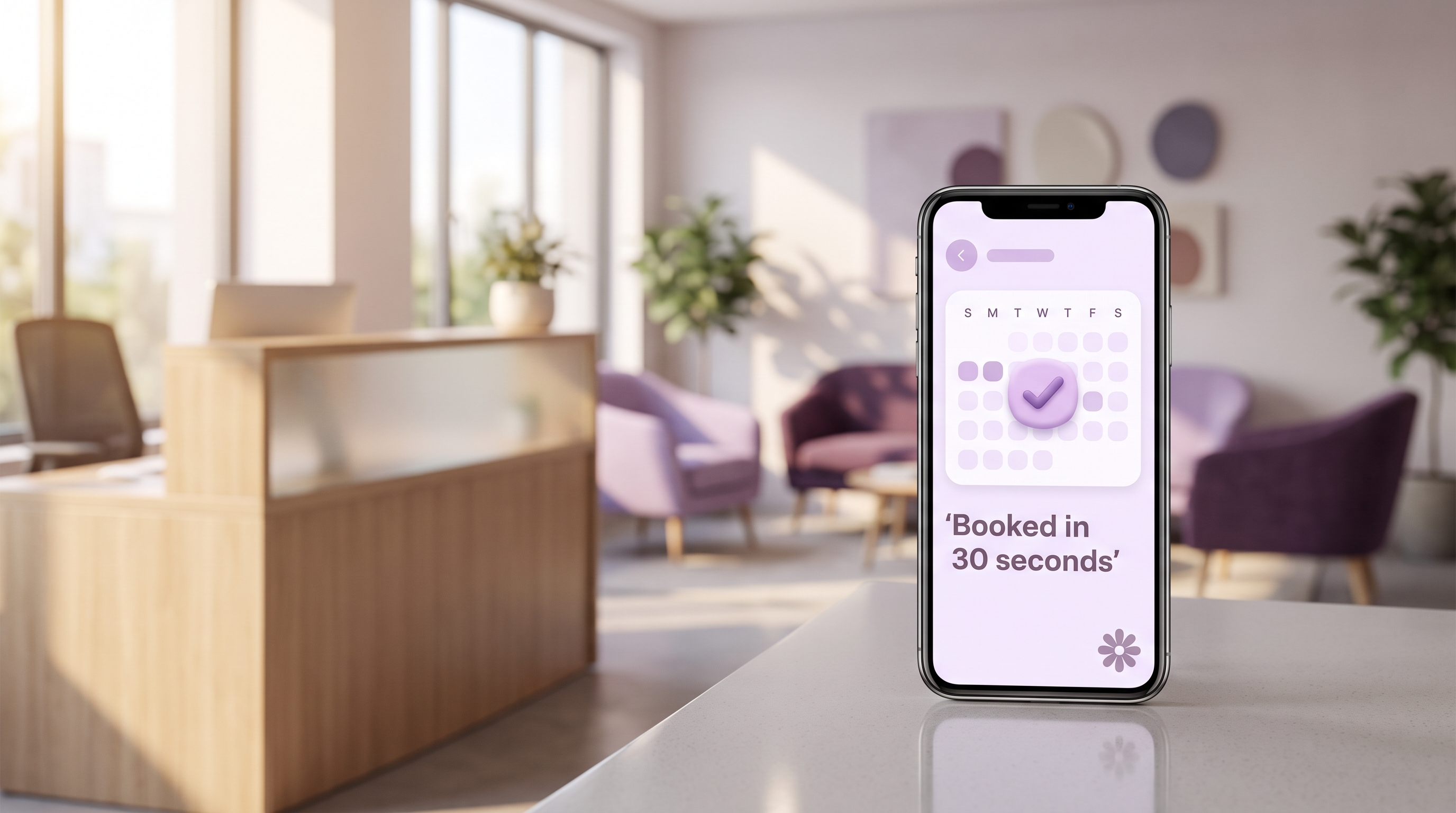
A good online booking takes a client under 30 seconds: choose the service, pick a person and a time, add a name and a phone number, confirm. The diary fills, a confirmation arrives straight away, and a reminder follows before the appointment. Appoint Me is built around exactly that sequence, for any business with a diary.
A hairdresser, a physiotherapist, a dental practice and a maths tutor all need the same thing from a booking page: a client who lands on it at ten at night can book without waiting for anyone to reply. This guide walks through what that booking looks like on screen, step by step, and what to check on your own page.
What does a 30-second booking look like?
On the demo salon page, a screen recording shows a real booking from first tap to confirmation in 27 seconds. Nothing is sped up and nothing is skipped. The steps are short enough to read in one go:
- Choose a service. The menu shows plain names and durations, so the client knows what they are booking.
- Choose who and when. The page shows who is working and which times are open, and only open times can be tapped.
- Add details. A name and a mobile number. Anything else a first visit needs, such as an intake form, can follow after the booking is made.
- Pay a deposit, if the service has one. The client pays on the same page, and the slot is held.
- See the confirmation. The appointment appears on screen and in a message, and in the same moment it appears in your diary.
Every extra field between the first tap and the confirmation is a place where somebody puts their phone down. A short route matters more than a clever one.
What happens in your diary when a client books?
The booking lands in the right column at the right time, with the service, the length and the client's details attached. Nobody has to copy it across from a message or a note on the back of a receipt.
That matters most on a Sunday night. An owner who opens the diary on Sunday evening can see Monday already shaping up, with the bookings that arrived while they were away from the desk. The same view shows gaps, so a free Tuesday afternoon is easy to spot and easy to fill.
How does a reminder get to the client?
A reminder is sent automatically before the appointment, with the day, the time, the service and the person they are seeing. The client does not need to ring to check, and you do not need to remember to send it. If you want the full detail on timing and wording, the guide to appointment reminders that work covers it.
Reminders do two jobs. They reduce the number of clients who forget, and they give the client a natural moment to say they cannot make it, while the slot can still be offered to someone else.
How does a deposit fit into a fast booking?
A deposit is a step the client completes inside the booking, not a separate chase afterwards. You choose which services take one and how much it is. A long colour appointment, a first consultation and a ten-minute fringe trim can each be treated differently.
The reason to take one at the point of booking is simple: a client who has paid something turns up, or tells you early that they cannot. The guide to taking deposits for appointments sets out how to decide on amounts that feel fair.
What should you check on your own booking page?
Run the booking yourself on your phone, with a stopwatch, as if you were a new client. Do it on mobile data rather than office wifi, because most clients are on a phone. The table below lists what to look for.
| Check | What good looks like |
|---|---|
| Time from first tap to confirmation | Around half a minute for a client who knows what they want |
| Fields before booking | Name and phone number; everything else can wait |
| Open times | Only genuinely free slots are shown, so nobody picks a time that is gone |
| Confirmation | Appears on screen and arrives as a message within moments |
| Reminder | Sent automatically, with the time, service and person |
| Your diary | The booking is already in it, with nothing to retype |
If any row fails, that is the step to fix first. A slow page costs bookings that you never see, because the person simply leaves.
Why does speed matter for a diary-led business?
People book when they think of it, and that is rarely during opening hours. A page that answers at once catches the booking in the moment. A phone that goes to voicemail asks the client to try again later, and some of them will not.
A phone call still has its place, especially for complicated treatments or clients who prefer talking. The two sit together well: the online page handles the straightforward bookings, and your phone time goes to the conversations that need a person. The comparison is laid out in online booking versus phone bookings.
Does it work the same for a clinic, a studio or a tutor?
The route is the same; the details change. A clinic may want an intake form after booking, a tutor may want repeat weekly slots, and a barber may want a buffer between cuts. Appoint Me lets each business set up its own services, people and rules, and the client still sees the same short path.
Frequently asked questions
How long should an online booking take?
Aim for under 30 seconds for a client who already knows what they want. That means a short service menu, visible open times, and only the essential details: a name and a phone number. Extra questions such as intake forms can be asked after the booking is confirmed, so they never stand between the client and the slot.
Do clients need an account to book?
A client should be able to book with just a name and a mobile number. Forcing an account to be created adds steps and loses people at exactly the moment they were ready to commit. An account can be offered afterwards for clients who want to see their history or rebook quickly.
Can a deposit be taken during the booking?
Yes. In Appoint Me the deposit is part of the booking itself: the client pays on the same page and the slot is held. You decide which services need one and how much it is, so a long appointment can take a deposit while a short one takes none.
Do reminders go out automatically?
Yes. A reminder is sent ahead of the appointment with the day, time, service and person, and nobody on your side has to send it. Clients who cannot attend can tell you while there is still time to offer the slot to someone else, which keeps the diary full.
Will online booking replace phone calls entirely?
No, and it does not need to. Straightforward bookings move to the page, which frees your phone time for the clients who want to talk through a treatment or have a complicated request. Many owners find the calls they do take become more useful, because they are no longer spent finding a gap in the diary.
How can I test my booking page properly?
Book an appointment yourself on your phone, on mobile data, using a stopwatch. Note how many taps it takes, whether any step is confusing, how quickly the confirmation arrives and whether the booking appears in your diary correctly. Ask a friend who has never seen the page to try it too, and watch where they hesitate.
Appoint Me is live at appointme.com, where you can set up your own booking page today.
Related reading
How to write an appointment cancellation policy clients actually follow
A clear cancellation policy sets one notice period, says what happens to deposits and shows before booking. How to write one for any appointment business.
1 October 2026
Fresha vs Treatwell (2026): fees, commission and the small print compared for UK salons
Fresha vs Treatwell for UK salons, checked October 2026: subscriptions, the 20% and 35% new-client commissions, card fees, notice periods and data export.
29 September 2026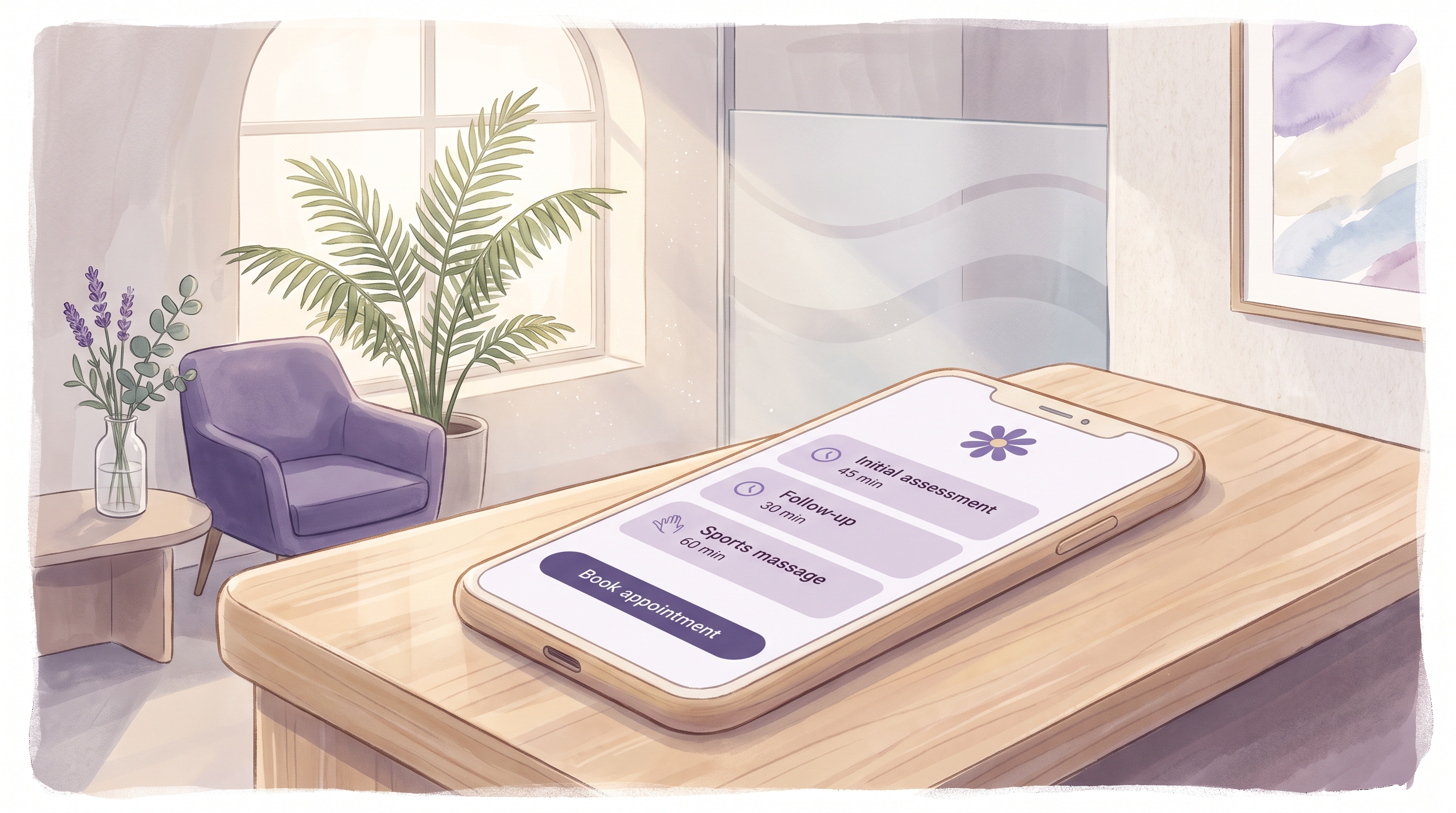
How to set up your service menu for online booking
A clear service menu lets clients book the right thing first time. How to name services, set honest durations, group them and match them to staff.
24 September 2026Run a salon, spa, clinic or practice?
Appoint Me is the feel good booking system for every appointment business.
See what Appoint Me does