Help centre · Settings
Locations, rooms and closures
Settings cover where and when you work: each location's address and opening hours, your rooms, and the days you are closed.
When you would use it
Use them when you open, when your hours change, and before bank holidays and other closed days.
How to set it up
- Open Locations to add or change a location: its Name, its address, Parking info and Opening hours. For a lunch break, add two rows for the same day.
- Leave the location's Timezone blank to use your business's timezone.
- Add Rooms if you want to record in the Diary which room an appointment uses. Two bookings cannot use the same room at the same time, and customers never see rooms.
- To close for a day, open Closures and enter the Date and a Reason. Leave the location blank to close every location. Saving a closure cancels that day's bookings and emails the customers; deleting it later does not bring them back.
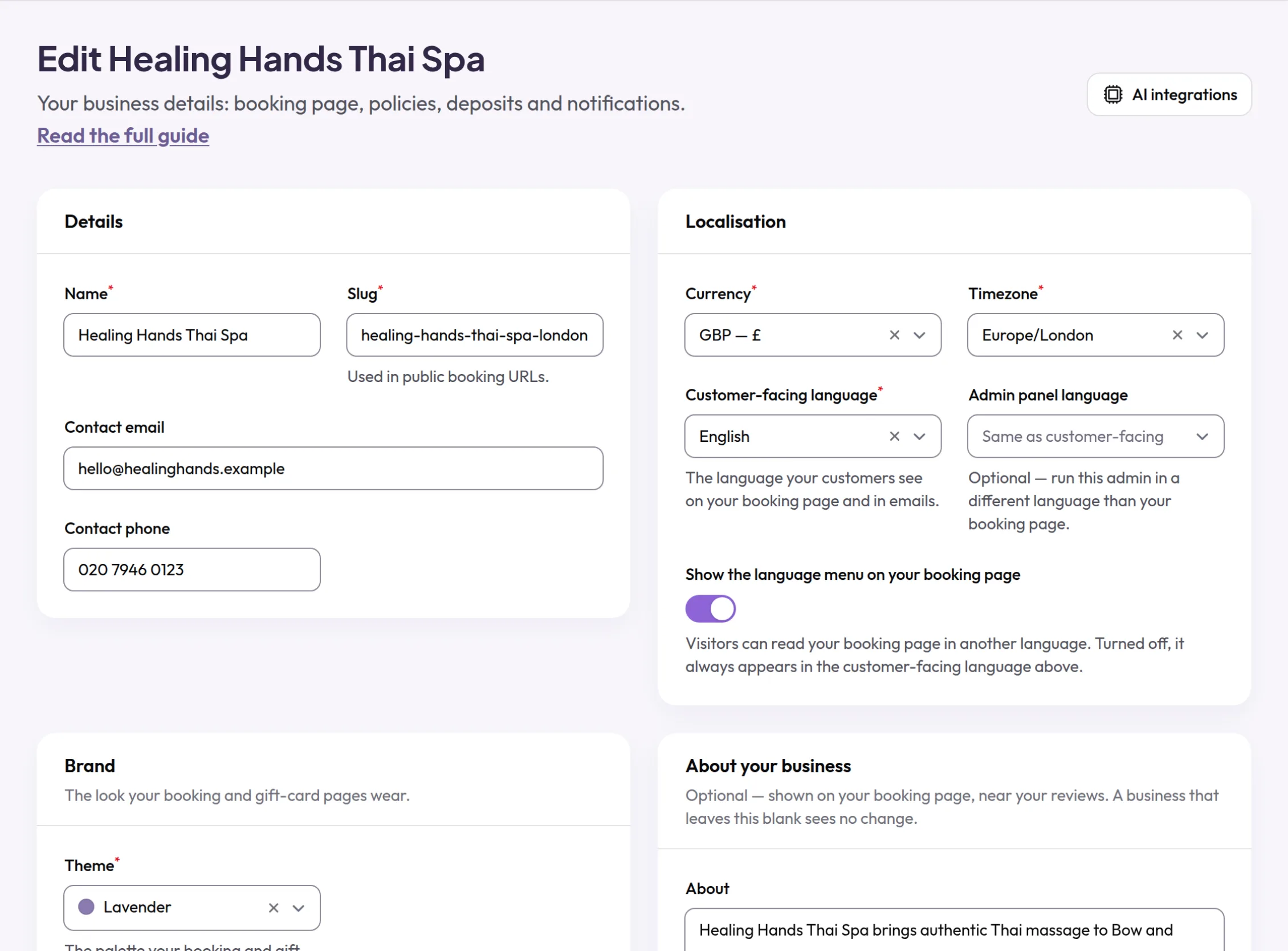
- Settings for the whole business, such as contact details, Currency and Timezone, are under Business.
- Your subscription and your Stripe account are under Billing.
What your customers see
Customers see each location's address, phone number, parking notes and opening hours on your booking page, and cannot book on days you are closed.
Examples from different trades
- OpticianRun two locations with different opening days, each with its own hours.
- PhysiotherapistAdd each of your rooms, so two appointments are never put in the same room.
- BarberAdd bank holidays as closures at the start of the year, before anyone books them.