Help centre Payments
Deposits
A deposit is part of the price that customers pay by card when they book. The booking is confirmed once it is paid, and the money goes to your own Stripe account.
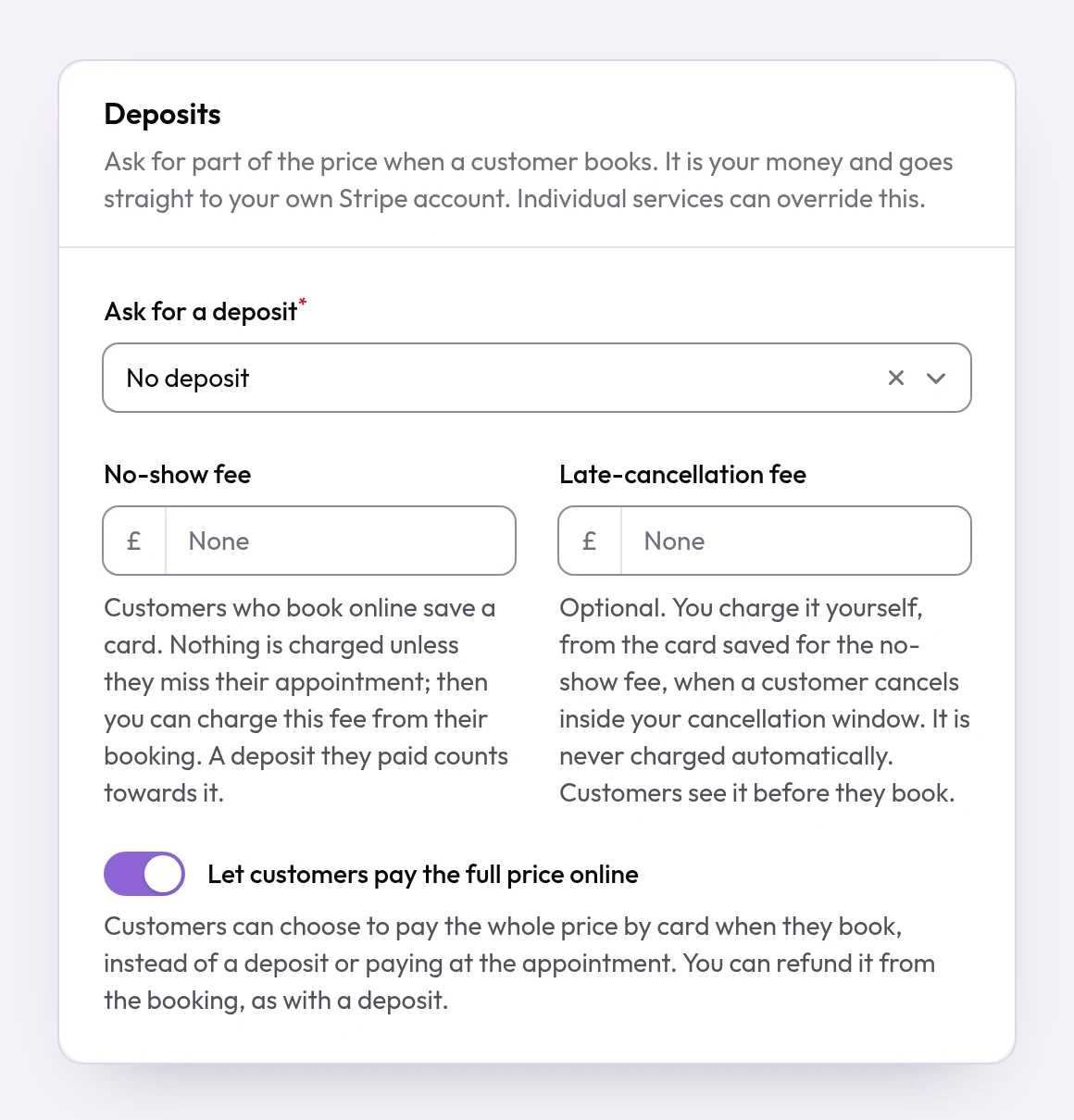
When you would use it
Use deposits for long or valuable appointments, or wherever a missed appointment costs you real money.
How to set it up
- Connect Stripe first. Open Billing, find Get paid directly and select Set up payouts. Stripe asks for your details; we never see your bank details. Deposits are taken only once the status shows Ready.
- Open Business and go to Deposits.
- Under Ask for a deposit, choose A percentage of the price and enter the Percentage of the price, or choose A fixed amount and enter the Deposit amount. A preview shows what a typical appointment would ask for.
- To use a different deposit for one service, open it under Services and set its own Deposit.
- To refund a deposit, open the booking under Bookings once it has been cancelled or marked as a no-show, and select Refund deposit. When you cancel a booking yourself, you can refund the deposit at the same time. The whole deposit is refunded.
What your customers see
Customers see the deposit before they book. After choosing a time, they pay it by card on a secure Stripe page, and the booking is confirmed straight away. If they do not pay, the time is held for 30 minutes (less when the appointment is about to start) and then released. A payment that arrives after that is refunded in full automatically. When a customer cancels online, the deposit is not refunded automatically: you decide.
Examples from different trades
- Tattoo artistAsk for a fixed deposit on every session, so the time spent drawing the design is covered if the customer does not come.
- Beauty therapistAsk for 20% across the business, and a larger deposit on long appointments such as lash extensions.
- PhysiotherapistLeave follow-up sessions without a deposit and ask for one only on the first assessment, where missed appointments are most common.